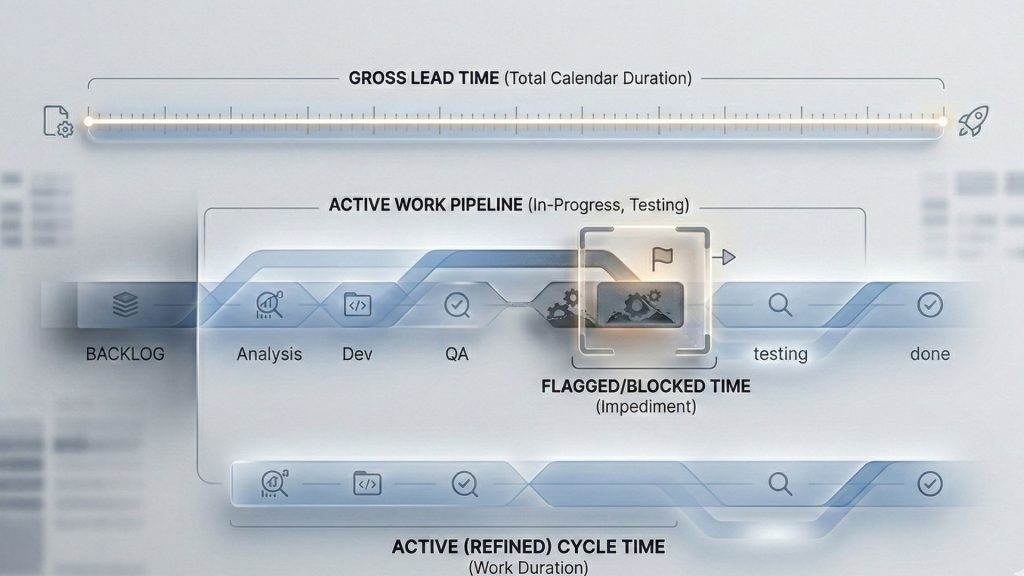
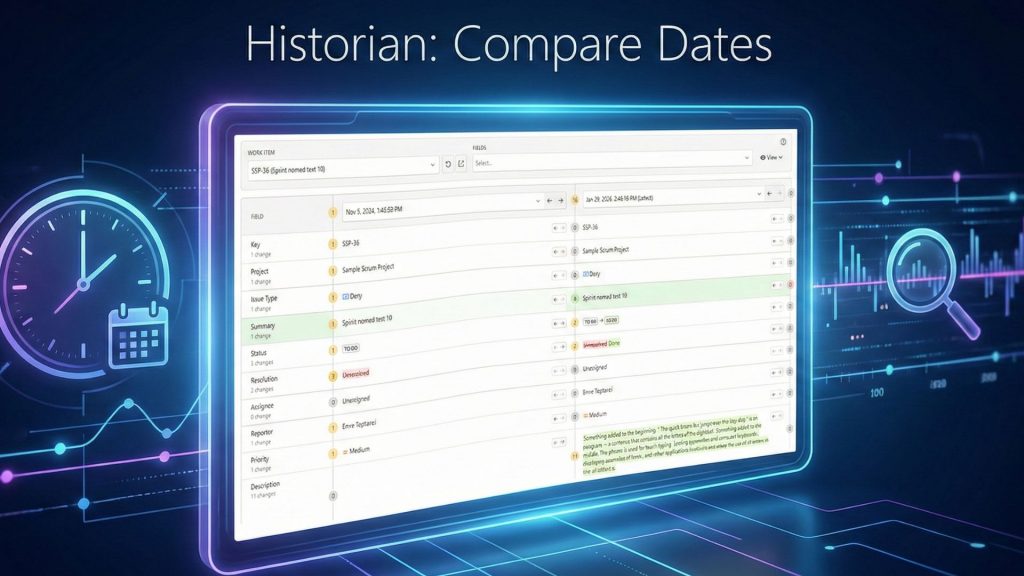
Standard Jira time tracking assumes a linear process, relying entirely on workflow status transitions. A timer starts when an issue moves to “In Progress” and stops when it is marked as “Done.” But real work rarely fits perfectly into system statuses. Let us explain where the native tracking breaks down:
Late Ticket Logging: A customer requests assistance on Monday, but your team creates the ticket on Wednesday. Jira uses the system creation date, making your response time look artificially fast. Also, Jira’s SLA timers and reports cannot do this.
Approval Delays: A developer finishes a task and clicks “Resolved,” but the client takes two weeks to give official approval. The system thinks the work is done, completely ignoring the delay.
Migrated Data: You import old tickets from another tool, and they lose their status history. Native Jira reports simply show up blank.
When you depend only on status changes, your reports fail to capture reality.
The Solution: Date Field Based Duration Calculations
Timepiece – Time in Status for Jira’s new feature solves this. It lets you measure time without relying on Jira’s strict status history. You can now set the exact start and stop points for your reports using standard or custom date fields.
This means you can track the true duration of a task, from the moment work actually began to the moment it was truly finished, regardless of when someone clicked a button.
How It Works
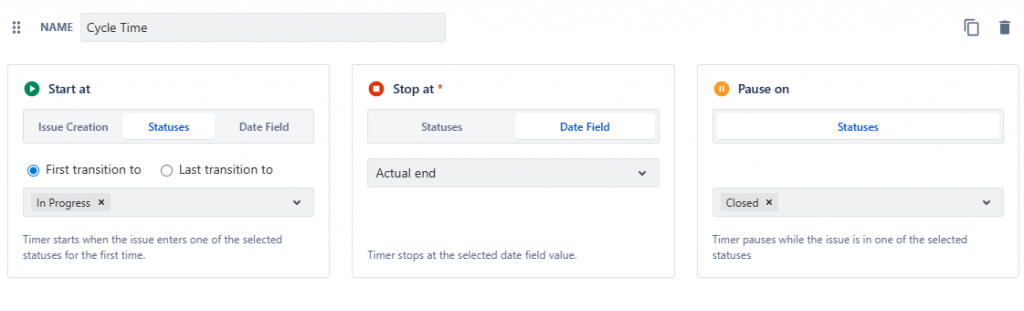
This feature is modular. You configure your metric using 3 simple parameters.
Start At
This defines where the timer begins. You have three options:
Issue Creation: Starts exactly when the ticket is logged.
Statuses: Starts when the issue enters a specific workflow status (you can choose the first or last transition to that status).
Date Field: Starts the metric counting based on a specific date. You can select system fields like “Created” or “Due date,” or custom fields like Planned Start Date and Actual Start Date.
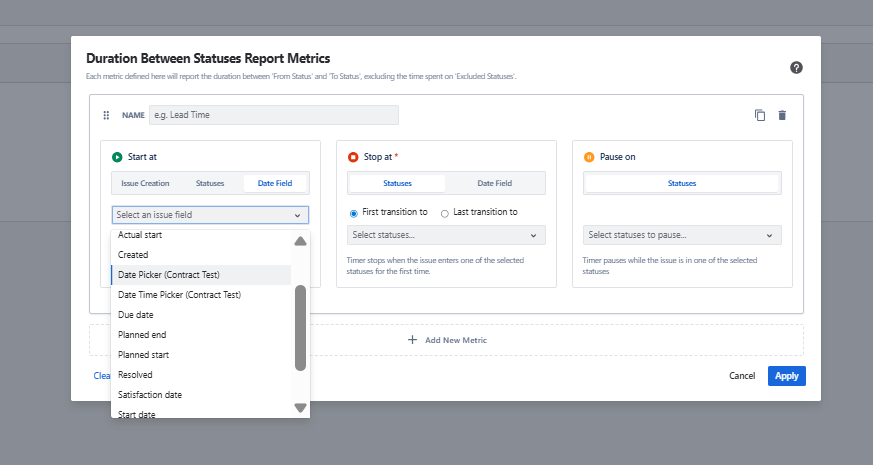
Stop At
This defines where the timer ends. A defined end point is mandatory. If you try to save a metric without one, the system warns you: “You must define at least one Stop At status/date field for the report to work.”
Statuses: Stops the timer when the issue reaches a chosen state, like “Done” or “Closed.”
Date Field: Stops the timer exactly at the date specified in a field, like Planned End Date or Actual End Date.
Paused On
You can leave this empty, or you can select multiple statuses. If an issue sits in a “Waiting for Customer” status, the engine pauses the timer and subtracts that time from your total duration.
How Date Fields Fix Broken Metrics
Here are some examples of how to use the new feature to solve real reporting problems.
Late Ticket Creation
If a technician starts working on a problem but logs the Jira ticket an hour later, native Jira reports will use the delayed creation date. This ruins your response time metrics. Instead, use a custom “Actual Start” date field. Set your report to start from that field to get an honest look at the service timeline.
Delayed Approvals
When a dev team finishes a task, they might mark it “Resolved.” But official client approval might happen days later. To track the total time to deliver value, do not stop at the “Resolved” status. Stop the timer on a custom “Official Approval” date field.
Suspended Projects
If a project starts, stalls for six months, and then restarts, native metrics include that six-month pause in the Cycle Time. Instead, create a “Restart Date” field. Set your metric to start there. The calculation ignores the original creation date and starts fresh.
Imported Data
Old tickets moved from other systems often lose their status history. Native reports just show up blank. With date tracking, you can import the original start and end dates into custom Jira fields and calculate durations without needing any workflow history.
Drive Efficiency with Workflow-Independent Jira Time Tracking
With Timepiece’s new custom date fields for duration calculations, your Jira time tracking becomes completely independent of workflow status changes. This flexibility allows you to measure custom time metrics that matter to your business, giving you highly accurate calculations for Cycle Time, Lead Time, and Resolution Time. With precise data, you can quickly identify bottlenecks, balance team workloads, and make better data-driven decisions in Jira.
To perfect your data, Timepiece calculates these durations using custom working calendars, ensuring non-working hours, weekends, and regional holidays never skew your reports.
To learn more about Timepiece, visit its Atlassian Marketplace page. You can also see the official Timepiece documentation page or book a demo meeting. You can try Timepiece for free for 30 days, and it is free for up to 10 users.